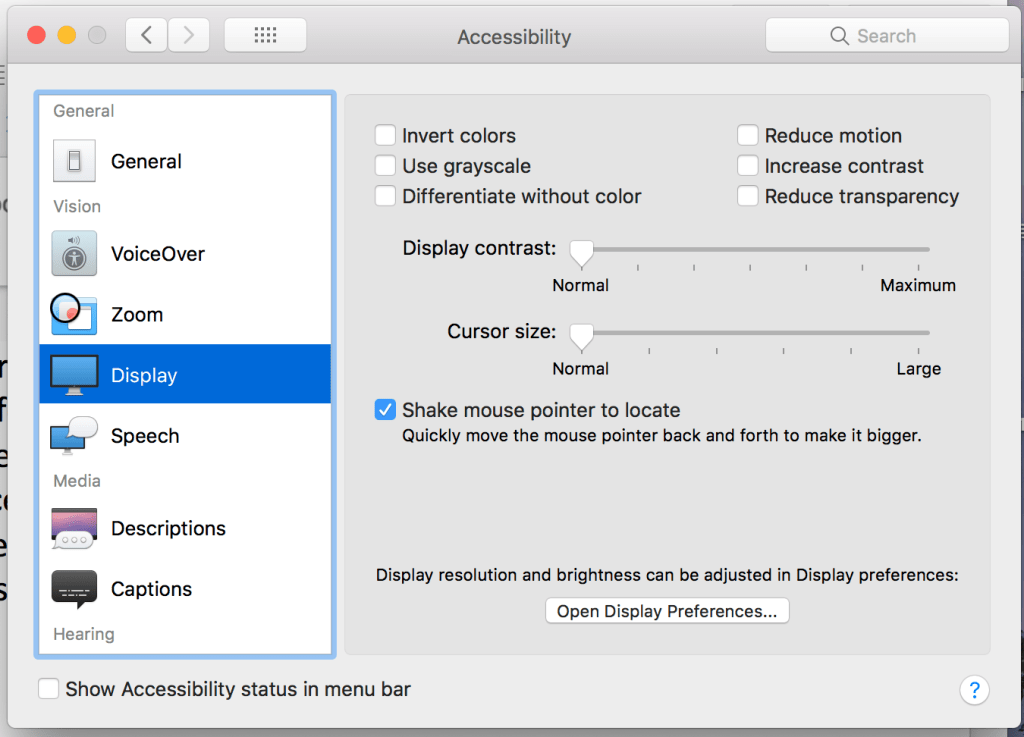
In the system preference of Mac, there is a setting called ‘Accessibility’. It divided into five main parts: General, vision, media, hearing, and interacting. Taking vision as an example, VoiceOver can describe the items on computer screens and provide controls through the use of the keyboard. Zoom can make the screen larger or smaller. The display can make a screen showing different colours, lightness, and contracts.
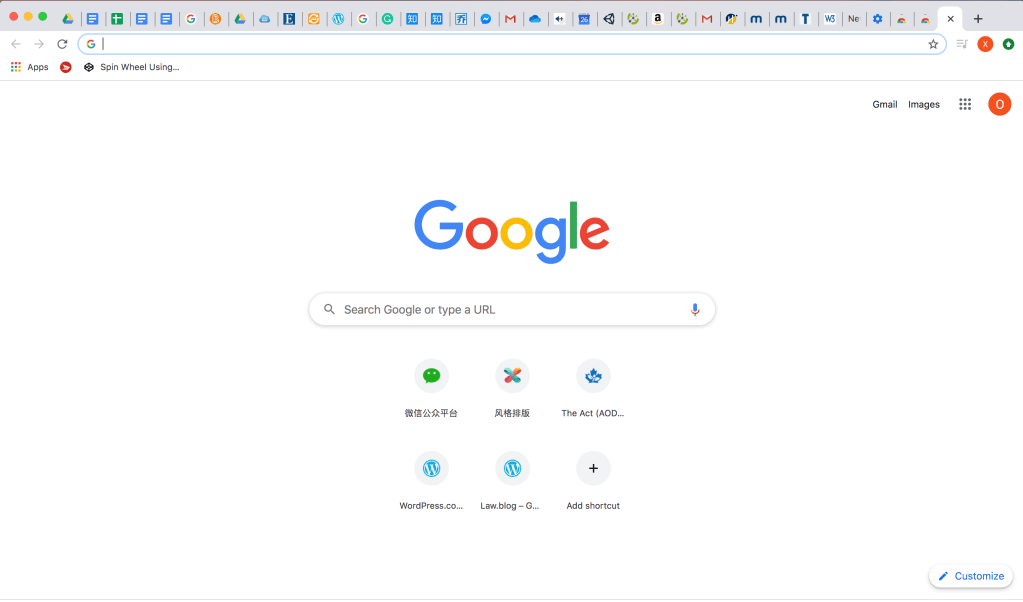
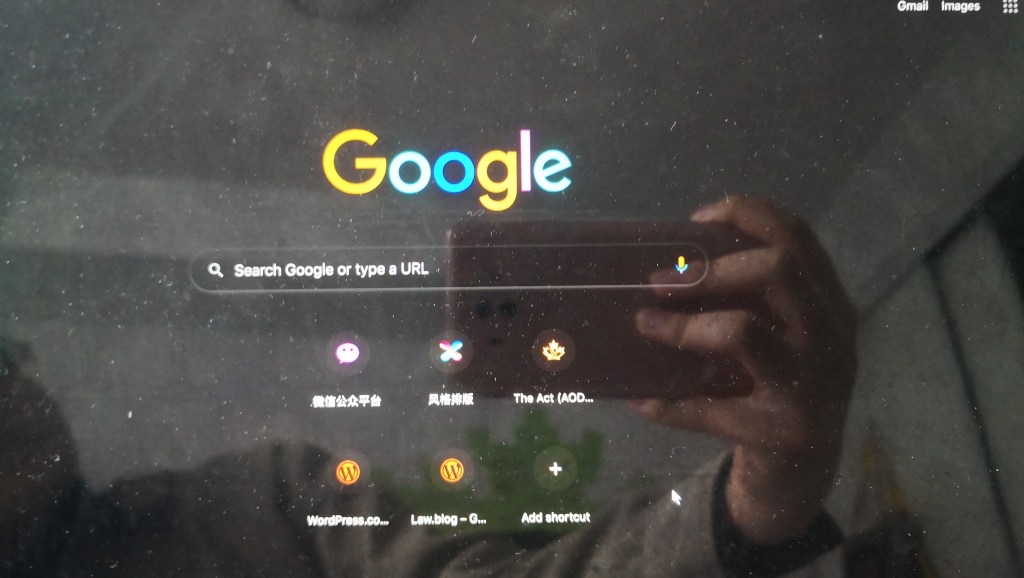
Speech can use to adjust the speaking rate when the computer describes something for users. A laptop is an important device for study, work, and life. The multiple options for users based on their own situations can really bring convenience and containment to all people.
 Olivia's Blog